Bitzaro Virtual Card
Free to open, issued instantly in the app, ready for your phone wallet and checkout.
- Free to issue, $5 annual fee
- Instant issuance after verification
- Freeze, unfreeze and set limits


Built into your Bitzaro Wallet, the Bitzaro Card converts USDT to USD when you pay, so you can spend anywhere cards are accepted.
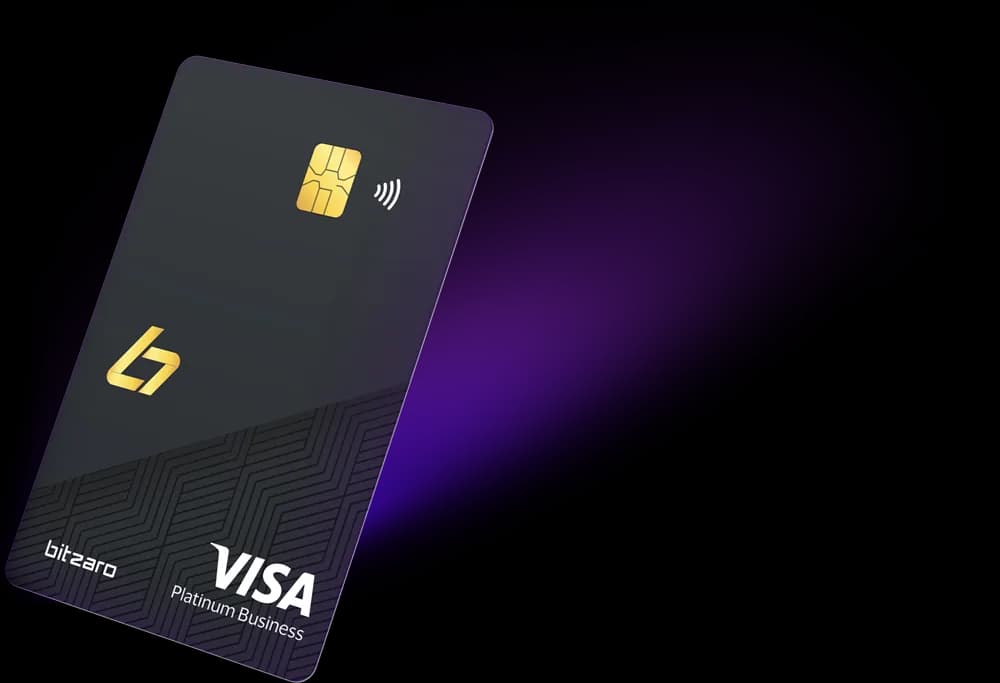
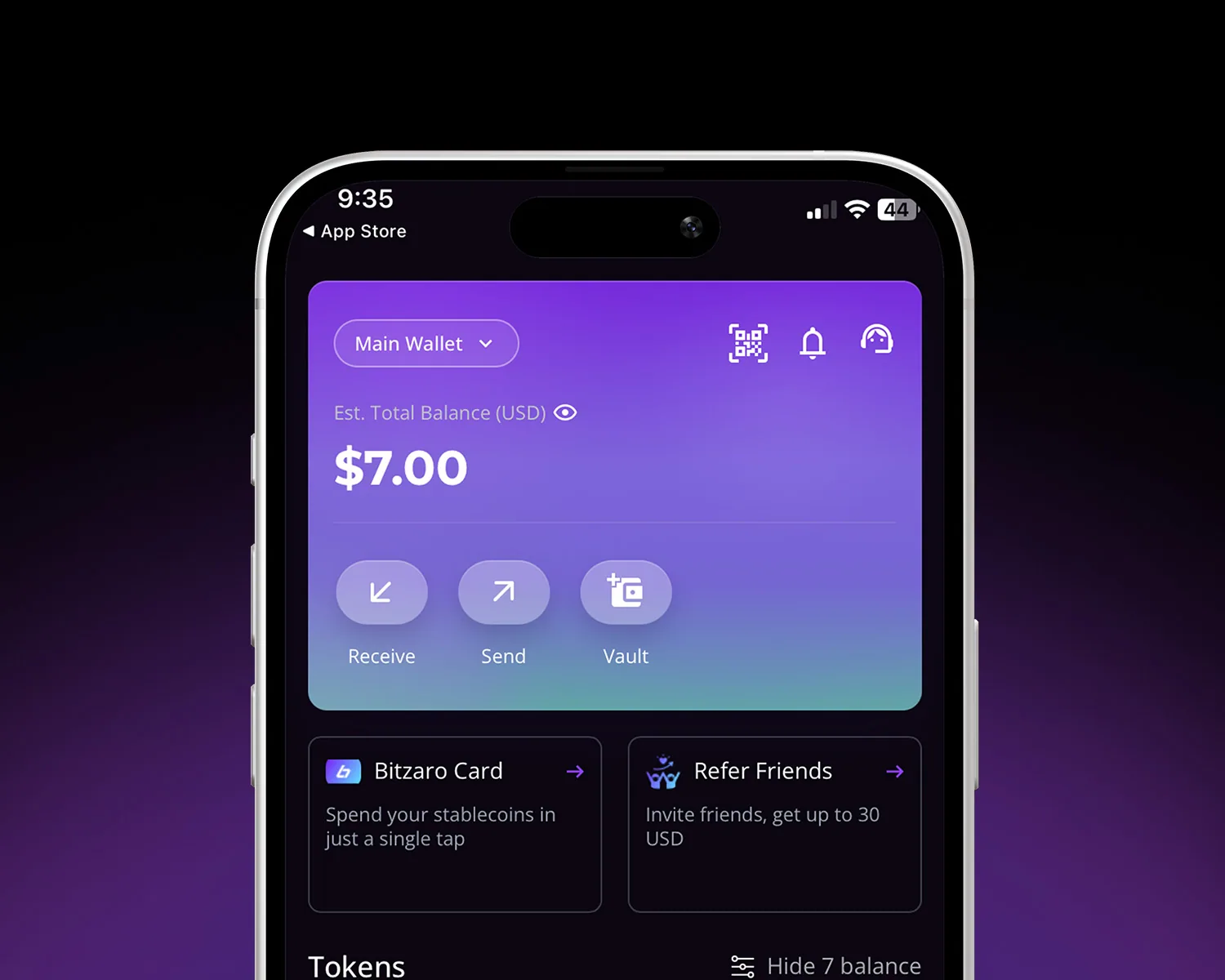
The card has its own balance, separate from your Bitzaro Wallet. Tap Reload in the app's Card section to move USDT from your Main Wallet onto it, and the funds are there straight away.
Issued in the Wallet as soon as verification clears. Free to issue, with a $5 annual fee and no monthly fee.
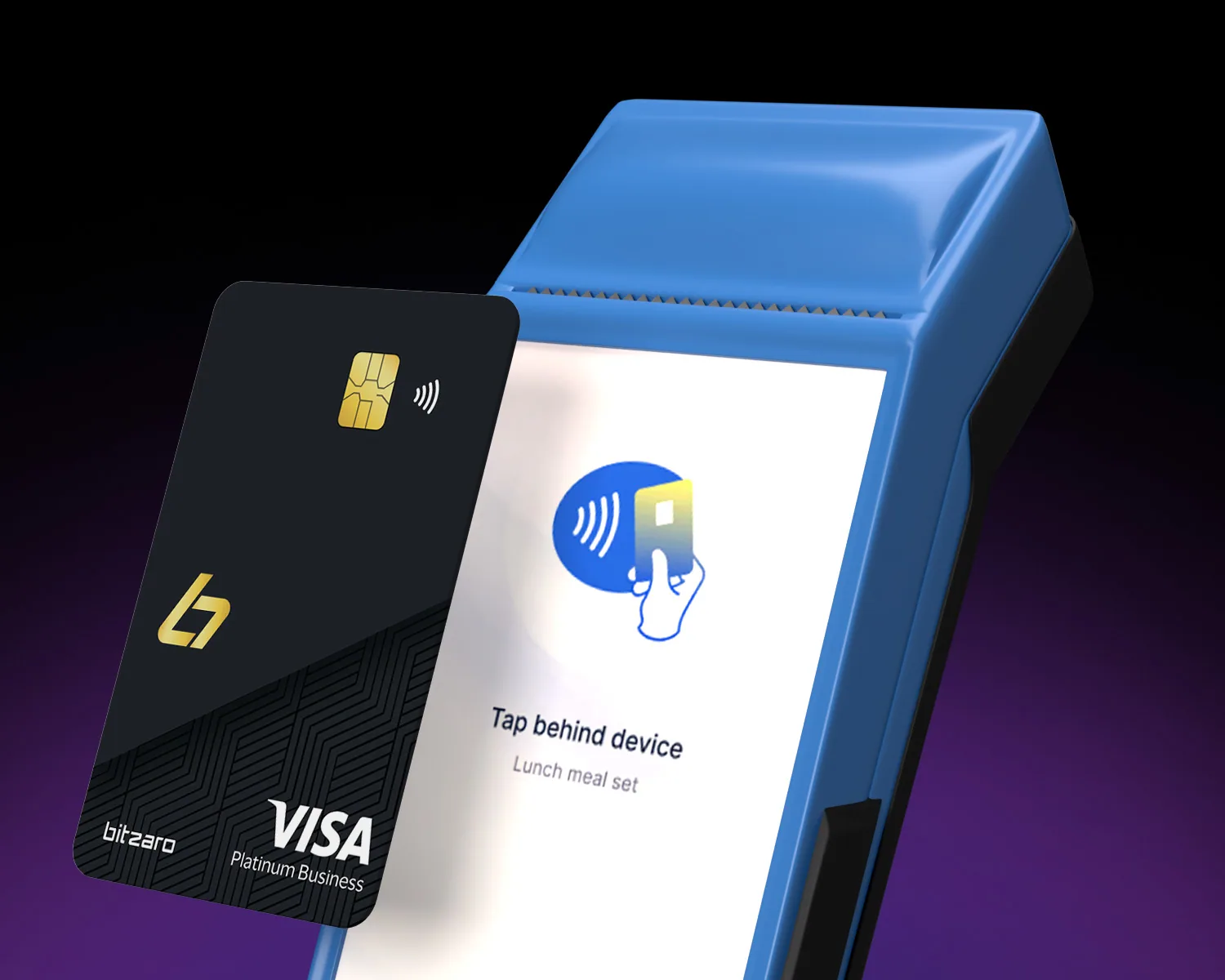
Add the card to your phone wallet and pay contactless, in store or at the till.
USDT becomes dollars at the live rate as you pay.
Works anywhere cards are accepted, online and in store, in any supported currency.
Withdraw notes in over 100 countries with the physical card when you need them.
Lock the card, set spending limits and see every authorisation as it happens.
Apply from the Wallet in a couple of taps. A short identity check keeps your account safe.
Tap Reload in the app's Card section to move USDT from your Main Wallet onto your card's own balance. The funds are there straight away.
Tap, swipe or check out online. We convert to dollars and show it in your history at once.
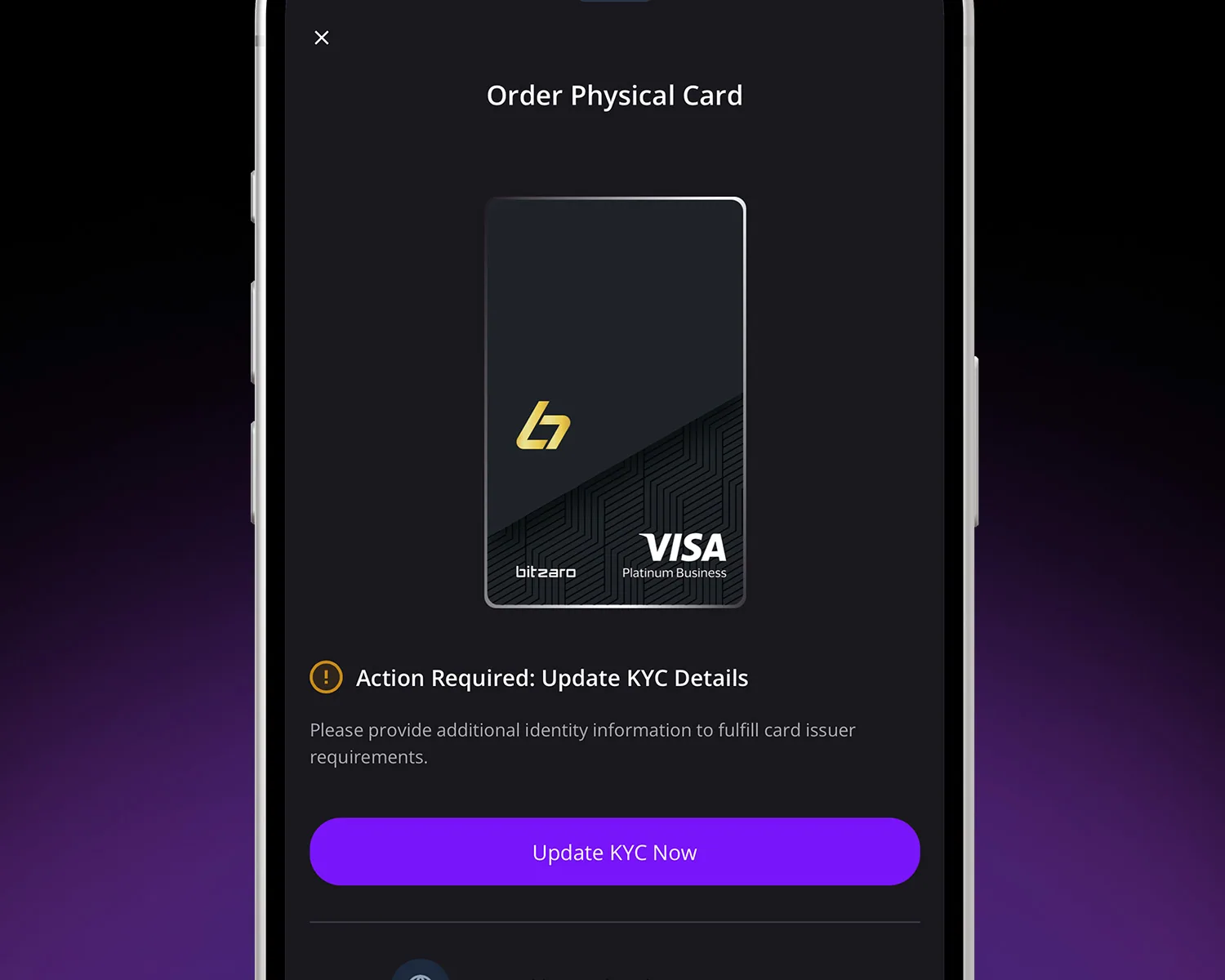
Start with the free virtual card. Add the physical card when you want to tap in the real world.
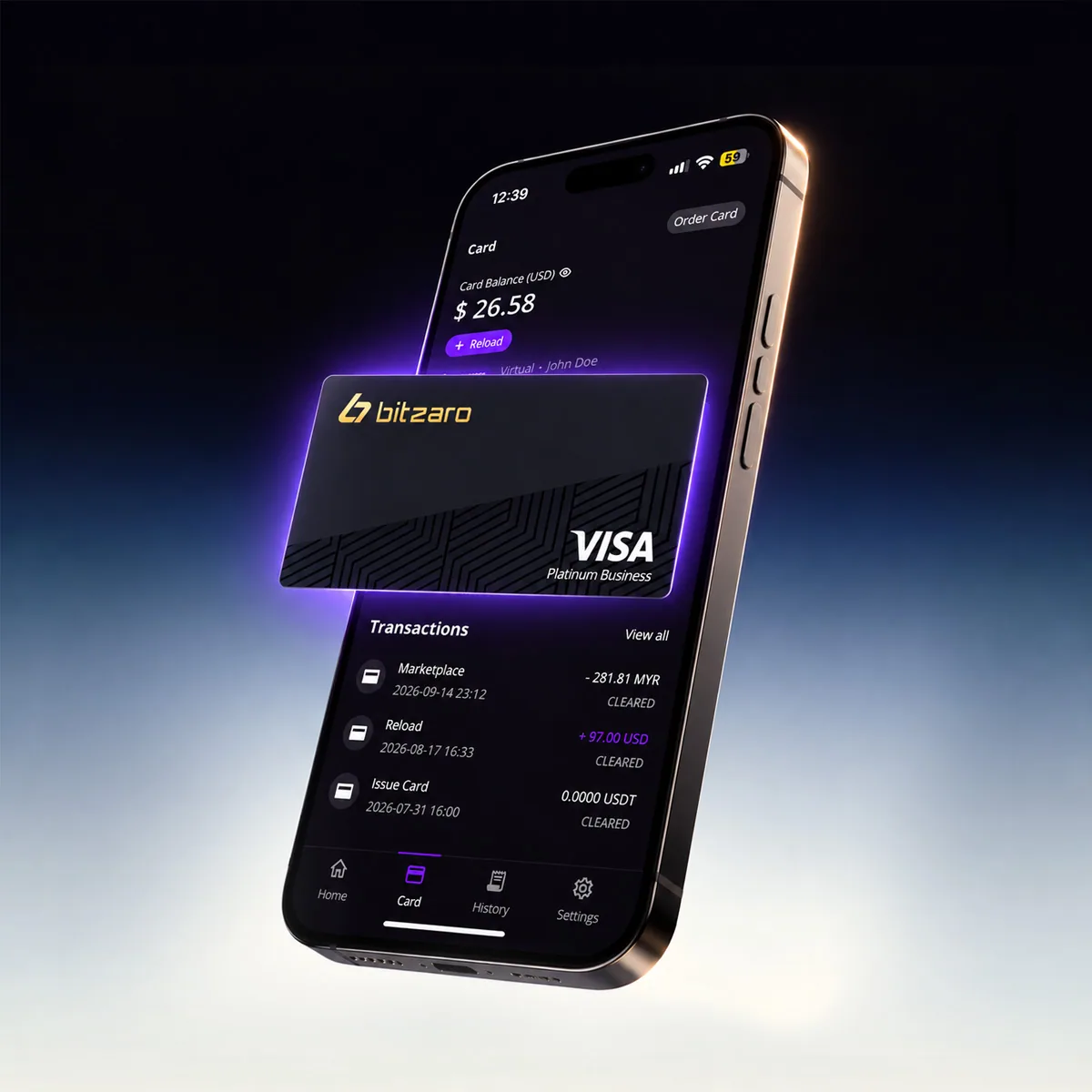
Free to open, issued instantly in the app, ready for your phone wallet and checkout.
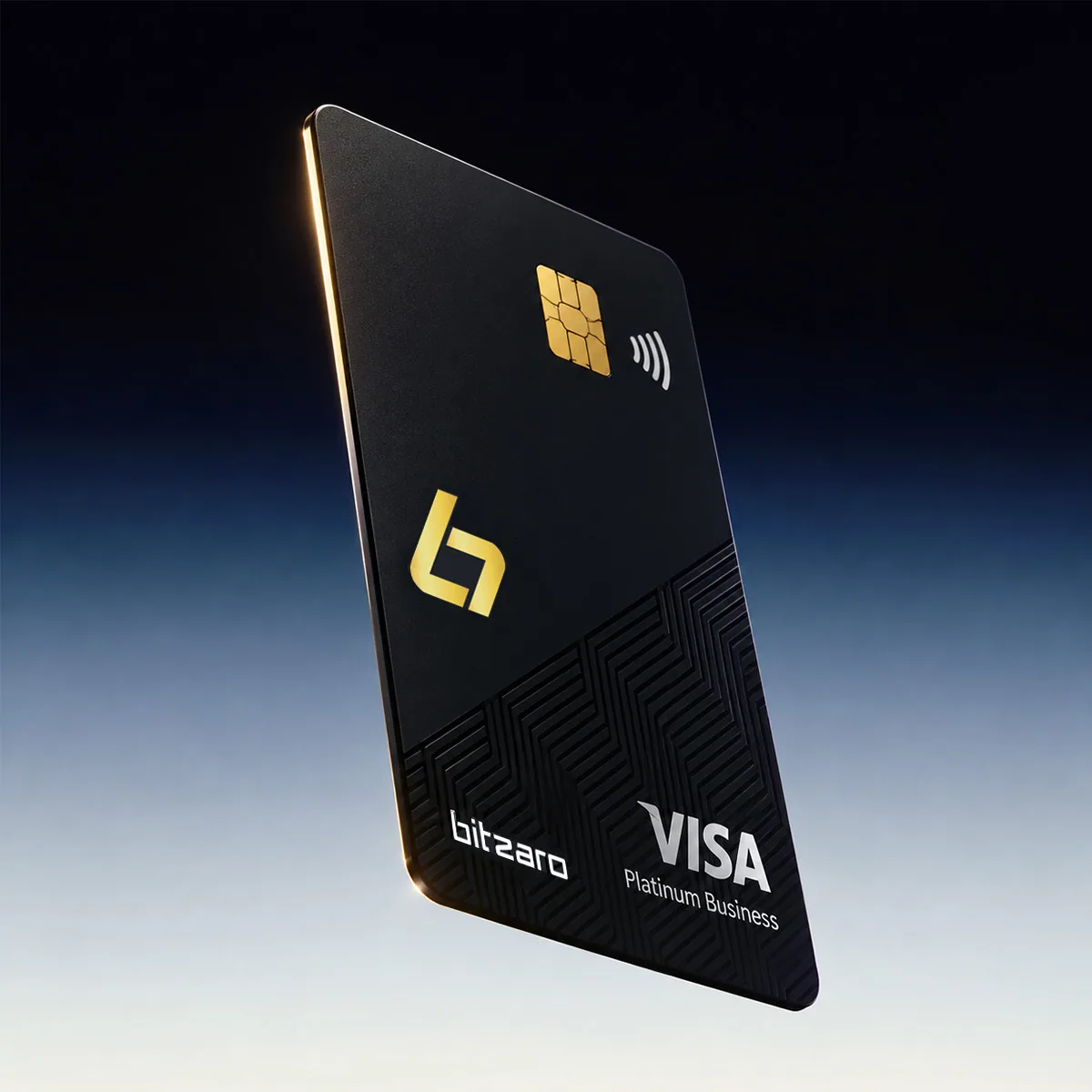
50 USDT to issue, then tap to pay in store and withdraw cash at ATMs abroad.
The card lives next to your balance in the Wallet, so the controls that protect it are one tap away.
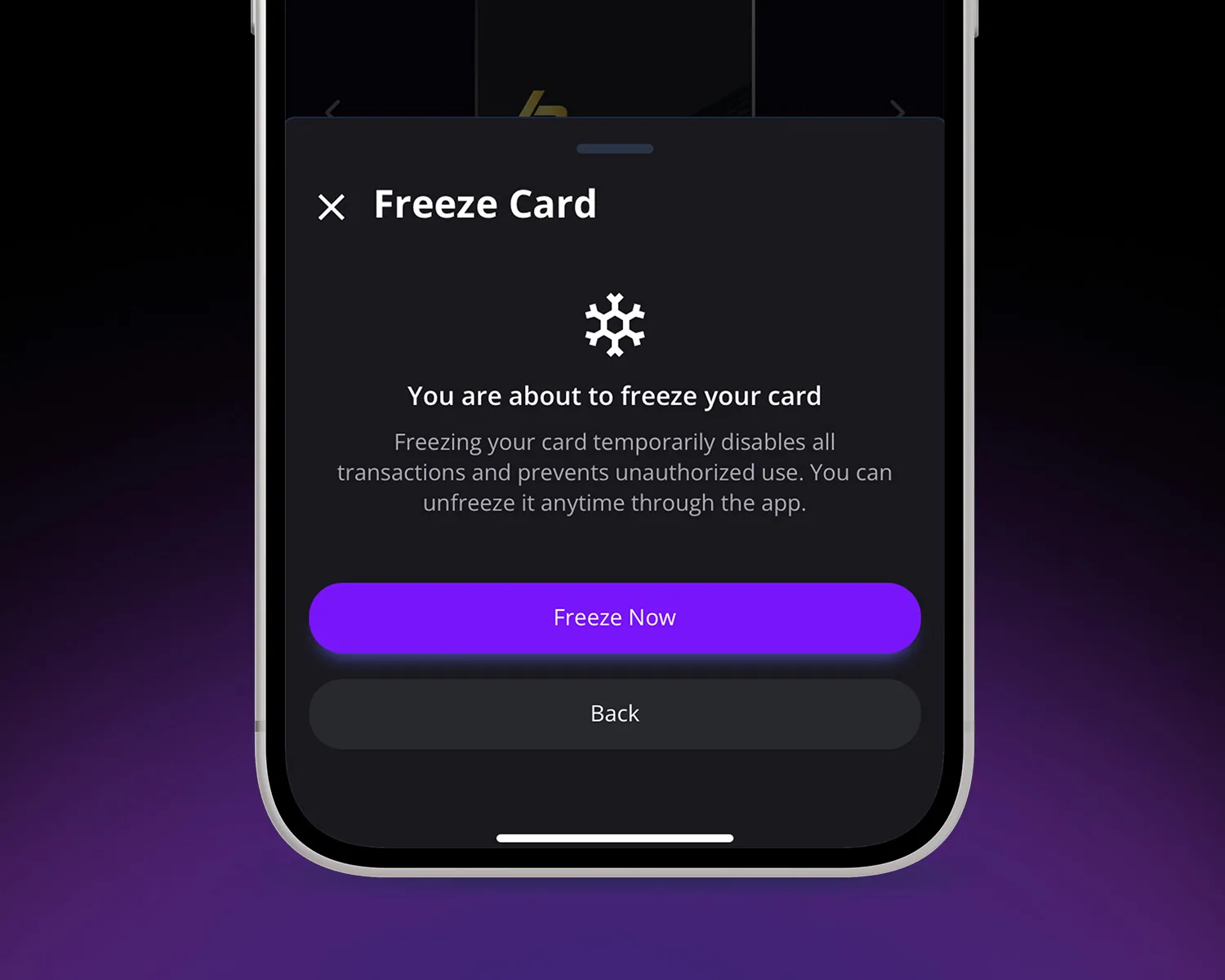
A frozen card declines every new authorisation. Unfreeze just as fast and subscriptions resume.
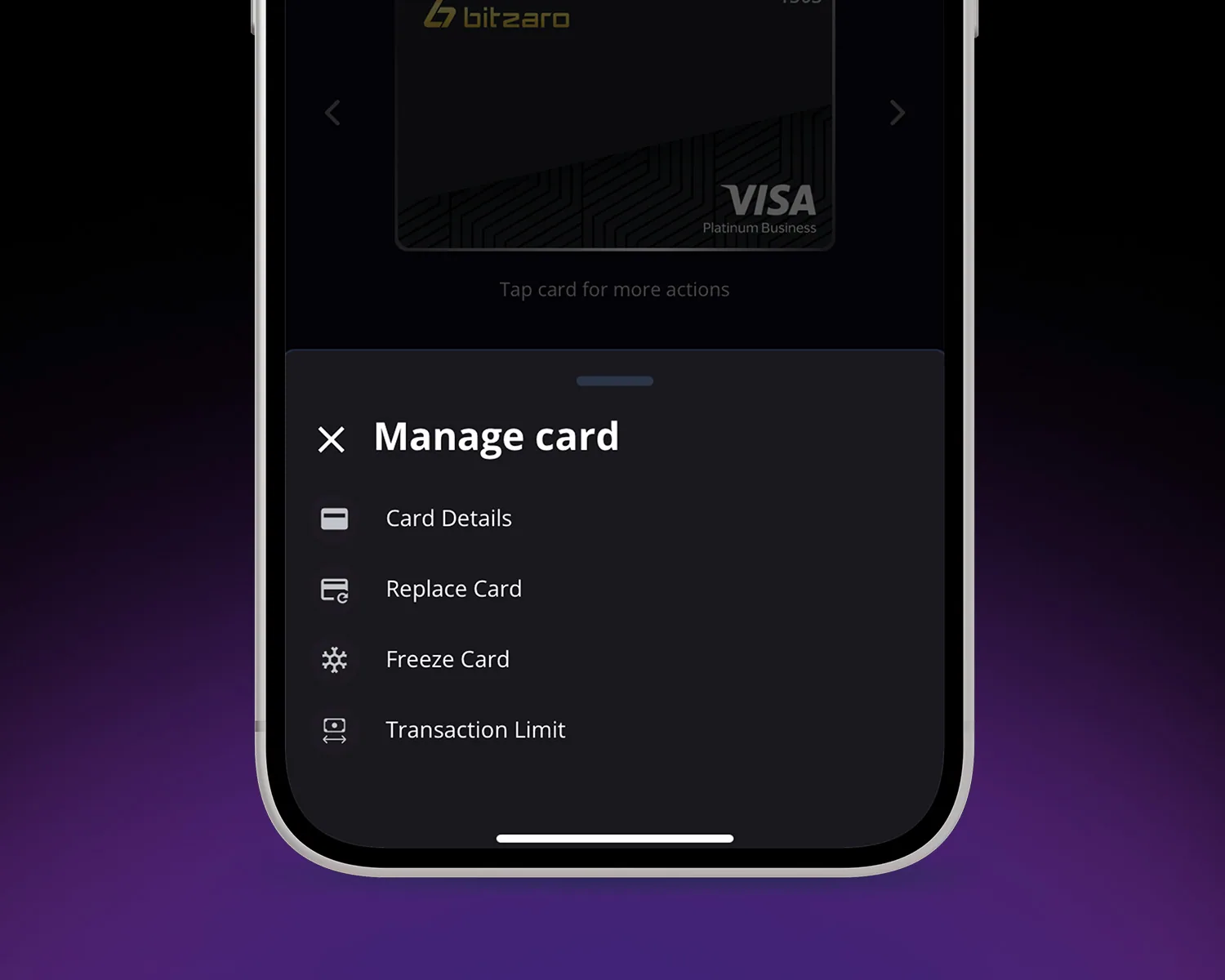
Cap each transaction or each day, and switch online or ATM use on and off when you need to.
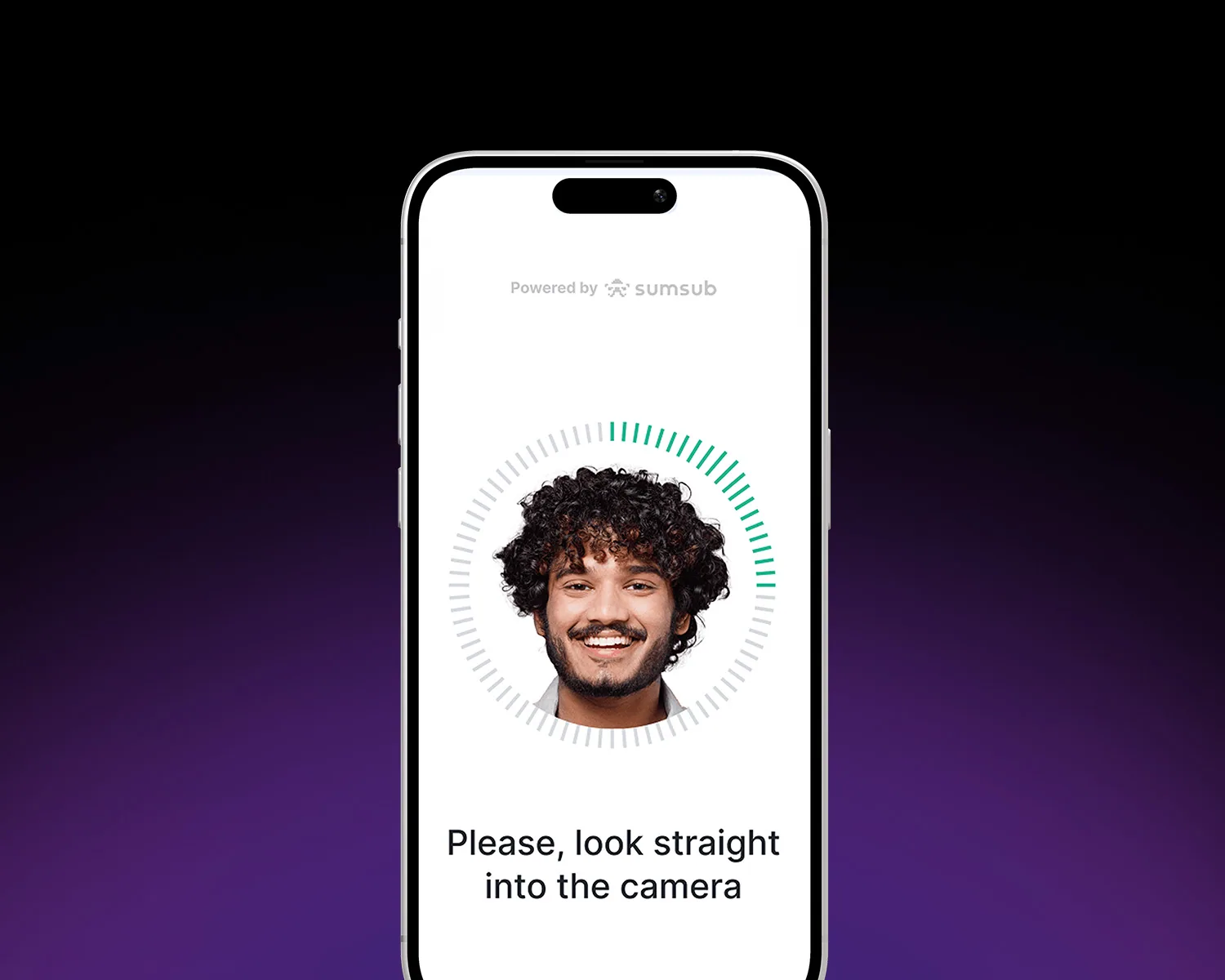
Identity checks run through Sumsub, and every card alert reaches your verified email and phone.
Verification happens once, inside the Wallet, and usually takes minutes.
Everything that applies to the Bitzaro Card, grouped so you can find what you need.
Issued in the Bitzaro Wallet as soon as verification clears.
Fees and limits are set out in full in the Card Terms of Use. Where a figure here differs from the terms, the terms apply.
Groceries, transport and bills, paid straight from your balance.
Pay in shops overseas without converting your balance first.
Subscriptions and one-off orders, wherever cards are accepted.
The terms and policies that govern the Bitzaro Card. Read these before you apply.
Costs, eligibility, conversion and what happens if a card goes missing.
The virtual card is free to open and has a $5 annual fee. The physical card costs 50 USDT to issue and has a $25 annual fee. Neither has a monthly fee. Reloading the card costs 0.5%, with a 3 USDT minimum, and conversion costs 1.5% of the amount converted.
Apply in the Bitzaro Wallet. Open the Card tab, request a card and complete a short identity check. The virtual card is issued as soon as verification clears, and the physical card can be ordered from the same screen.
Anywhere cards are accepted. That covers online checkout, in-store payments with your phone wallet or the physical card, and ATM withdrawals in over 100 countries.
Conversion happens at the moment you pay, at the live rate. Your card has its own balance, separate from your Bitzaro Wallet: open the Card section of the app, tap Reload and move USDT from your Main Wallet to the card, and the funds appear on your card balance straight away. The rate used and the fee charged are shown in your transaction history.
Four: Ethereum, BSC, Tron and Solana. The card spends from the same balance regardless of the network you hold it on.
No. The Bitzaro Card spends from its own balance, which you reload yourself, so there is no credit check and no borrowing. You do need to pass an identity check, run through Sumsub, before a card is issued.
Freeze the card from the Card tab in the Wallet straight away, which declines every new authorisation. Then contact the Help Center to have the card replaced.